 Flipic
Free, open-source image viewer for Mac
Double-click one photo,
page through the whole folder
Open a single image in Preview and that is all you see. Flipic does one job well: next photo, zoom into detail, rate as you go, with the keys and feel of the viewers people loved on Windows.
- Free and open source
- 1.8 MB download
- macOS 13 or later
- Apple silicon and Intel
- Notarized by Apple
- Offline by default
Flipic is a Mac app and can't be installed on a phone. Copy the address and open it in a browser on your Mac.
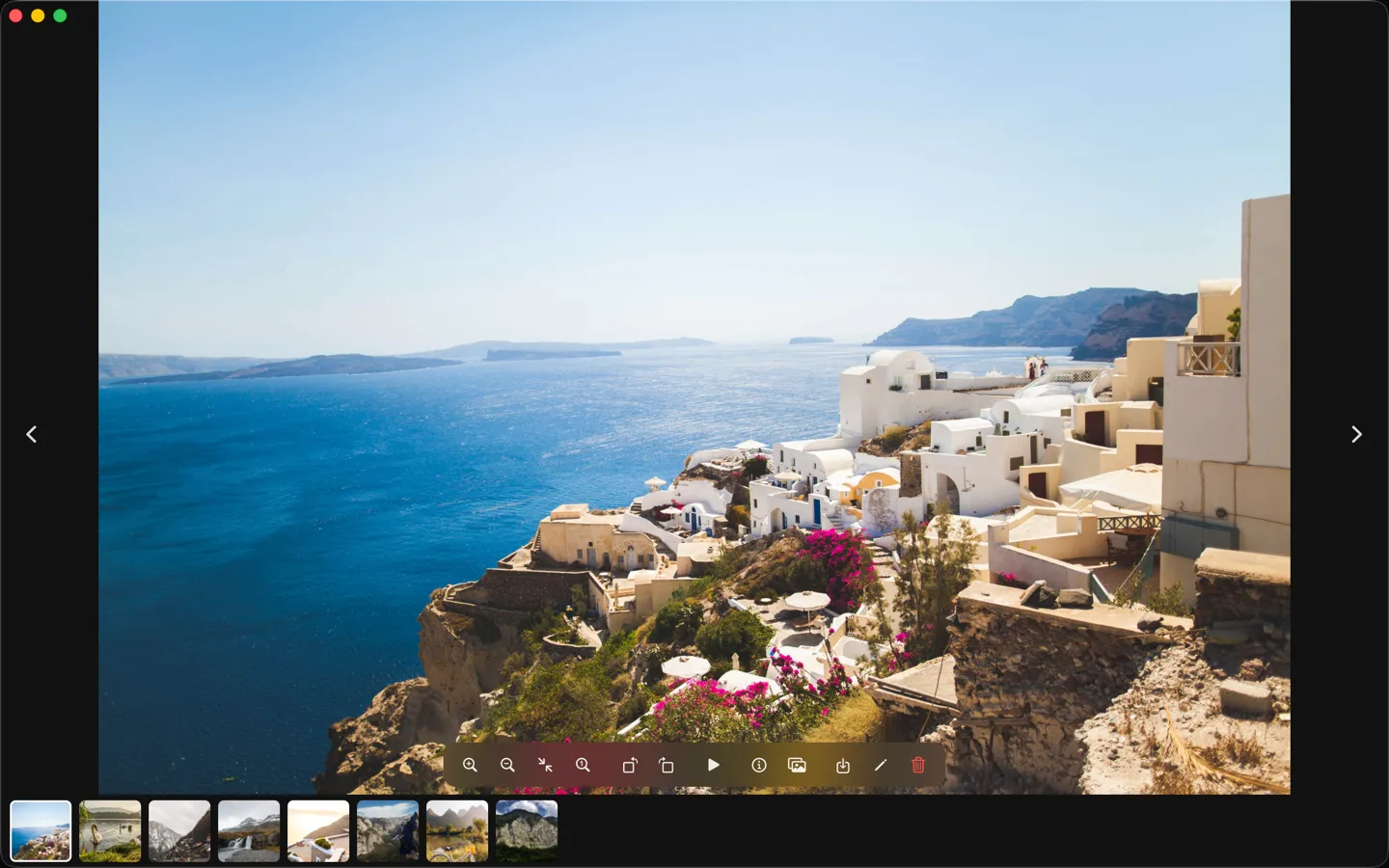
The next image, one key away
Double-click any photo and press → for the next one, across the whole folder. Sort by name, date taken, date modified, date created or size.
Press Space and the window wraps to the photo's shape, a narrow window for a portrait shot, just like Quick Look. Nearby photos are decoded ahead of time, so even 48-megapixel images keep up when you hold an arrow key.
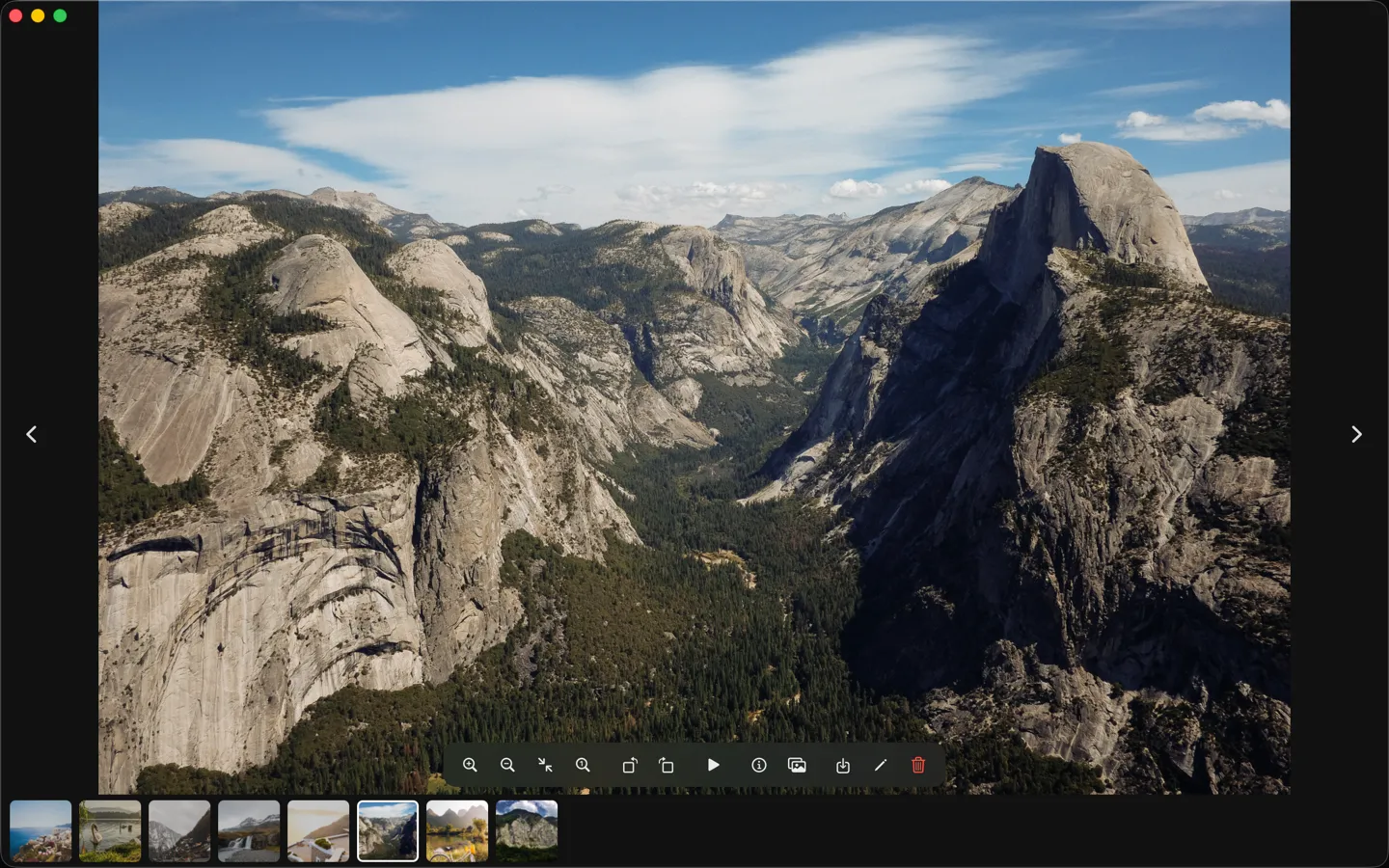
Point, press 0, see every pixel
Rest the pointer on a detail and press 0 to zoom to 100% right there; press it again to go back. Pinch and scroll zoom around the pointer too.
Flipic decodes only what the screen needs and loads the original when you zoom in far enough to tell, so memory stays low across a big folder.
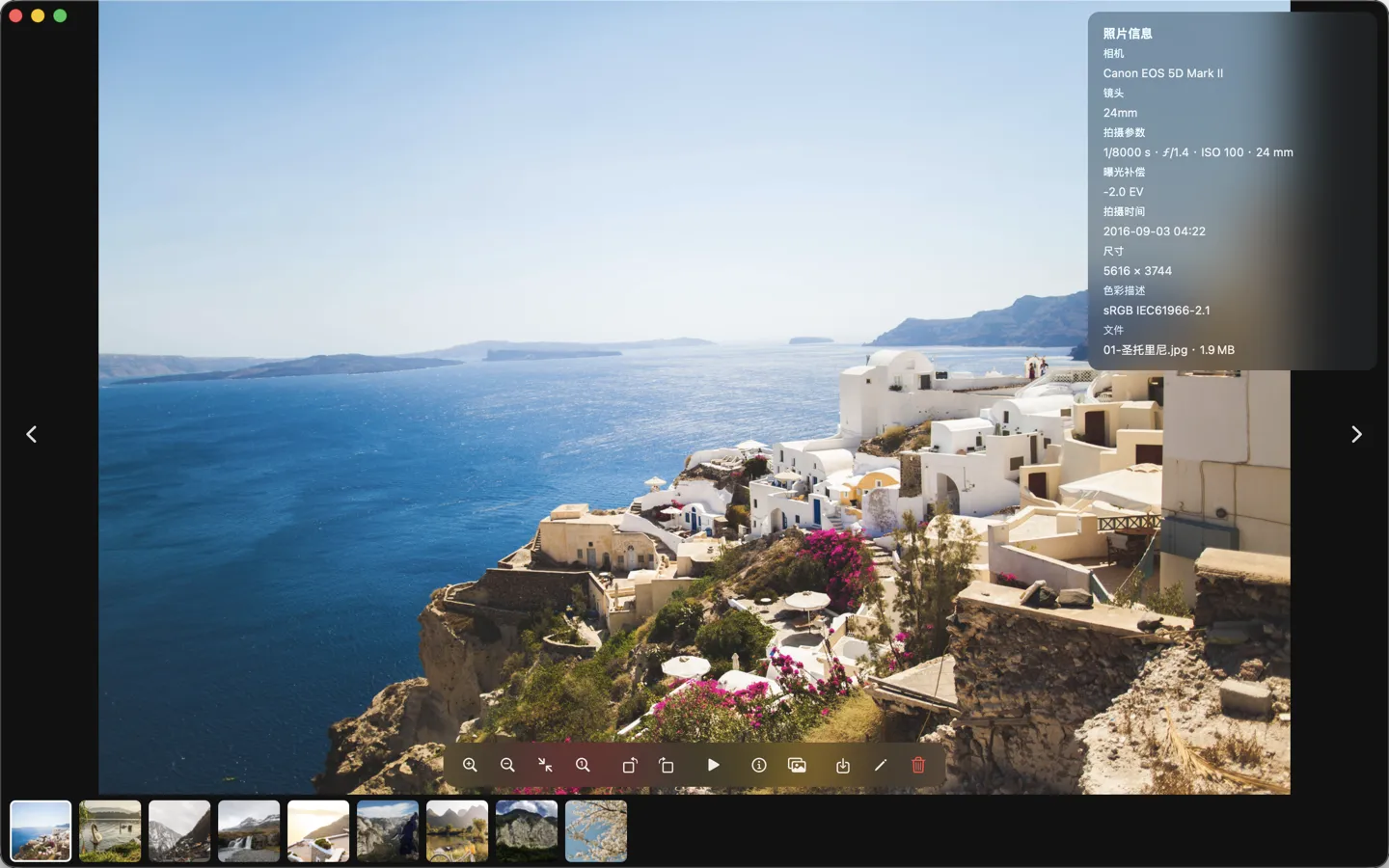
Just the photo. EXIF on I
Nothing but the photo by default. Press I for camera, lens, shutter speed, aperture, ISO, date taken and size; Esc closes it.
HDR photos from iPhone can be shown in HDR, with highlights brighter than regular white, as in Preview (turn it on in Settings; needs an HDR display).
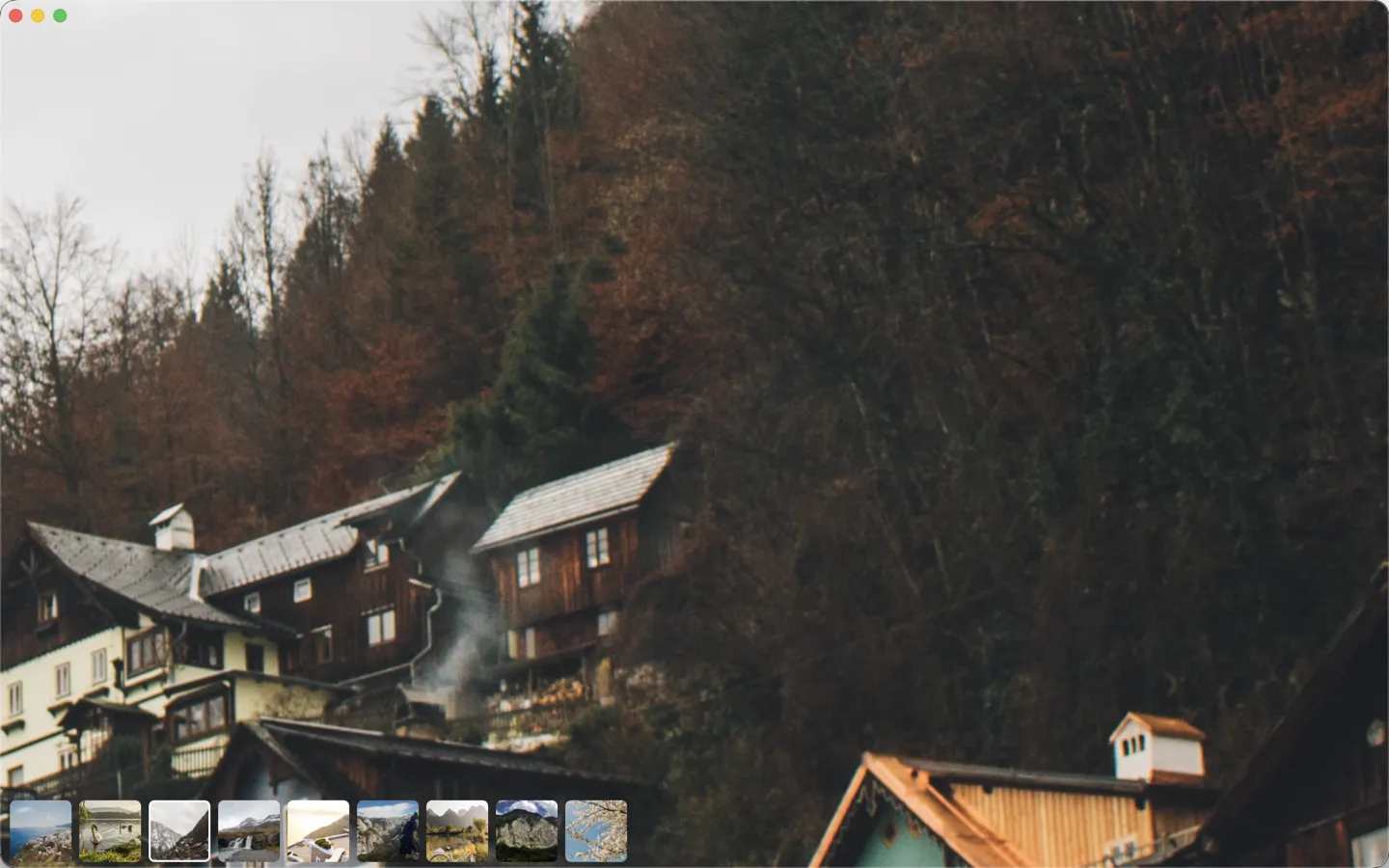
Cull an event shoot fast
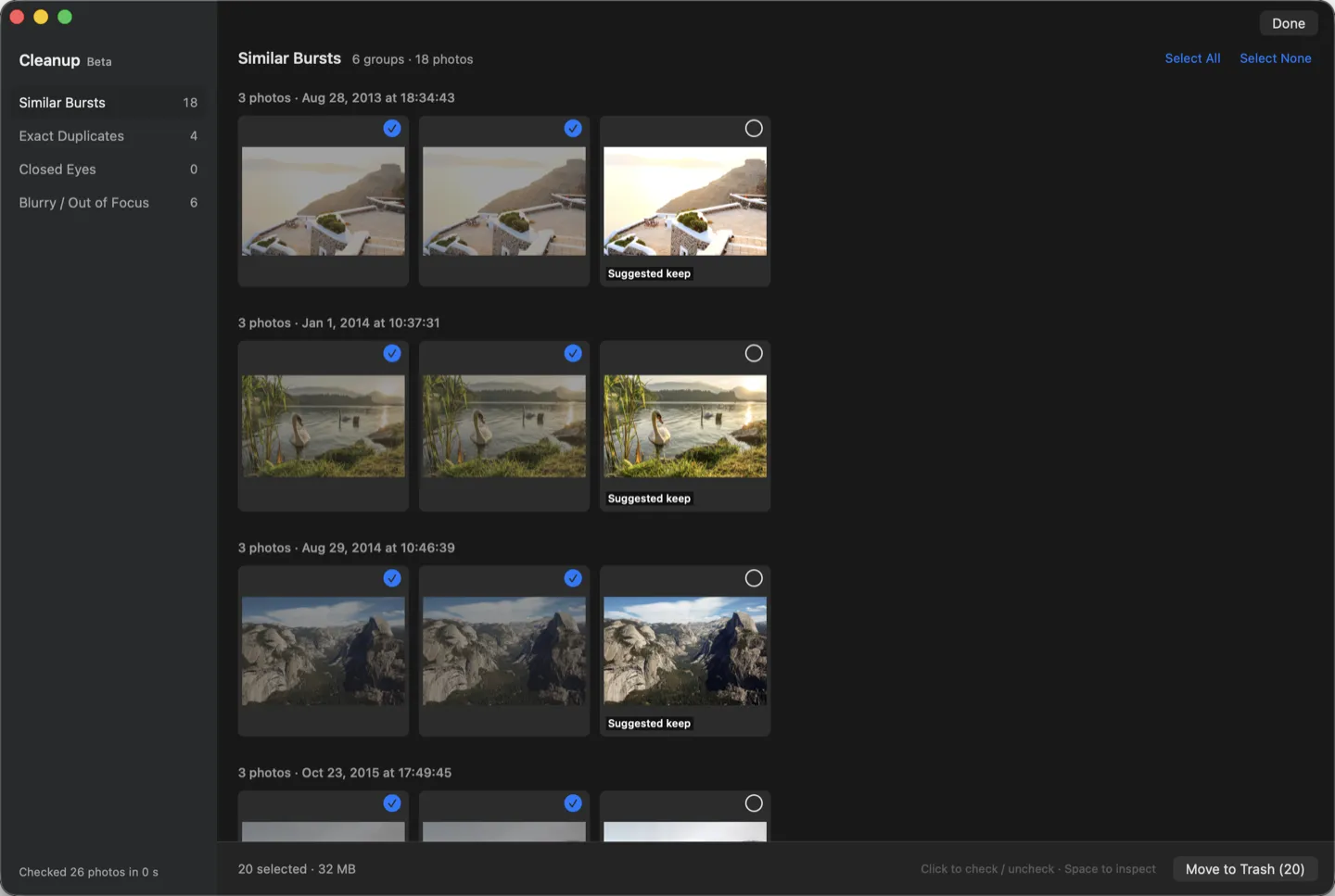
Press ⇧⌘K for Cleanup Mode (Beta). Flipic checks the folder on your Mac and sorts out similar bursts, exact duplicates, closed eyes and blurry shots, suggesting the sharpest frame of each burst.
Nothing is deleted until you press Move to Trash, and ⌘Z brings files back. RAW+JPG pairs are handled together.
Rate, remap, work your way
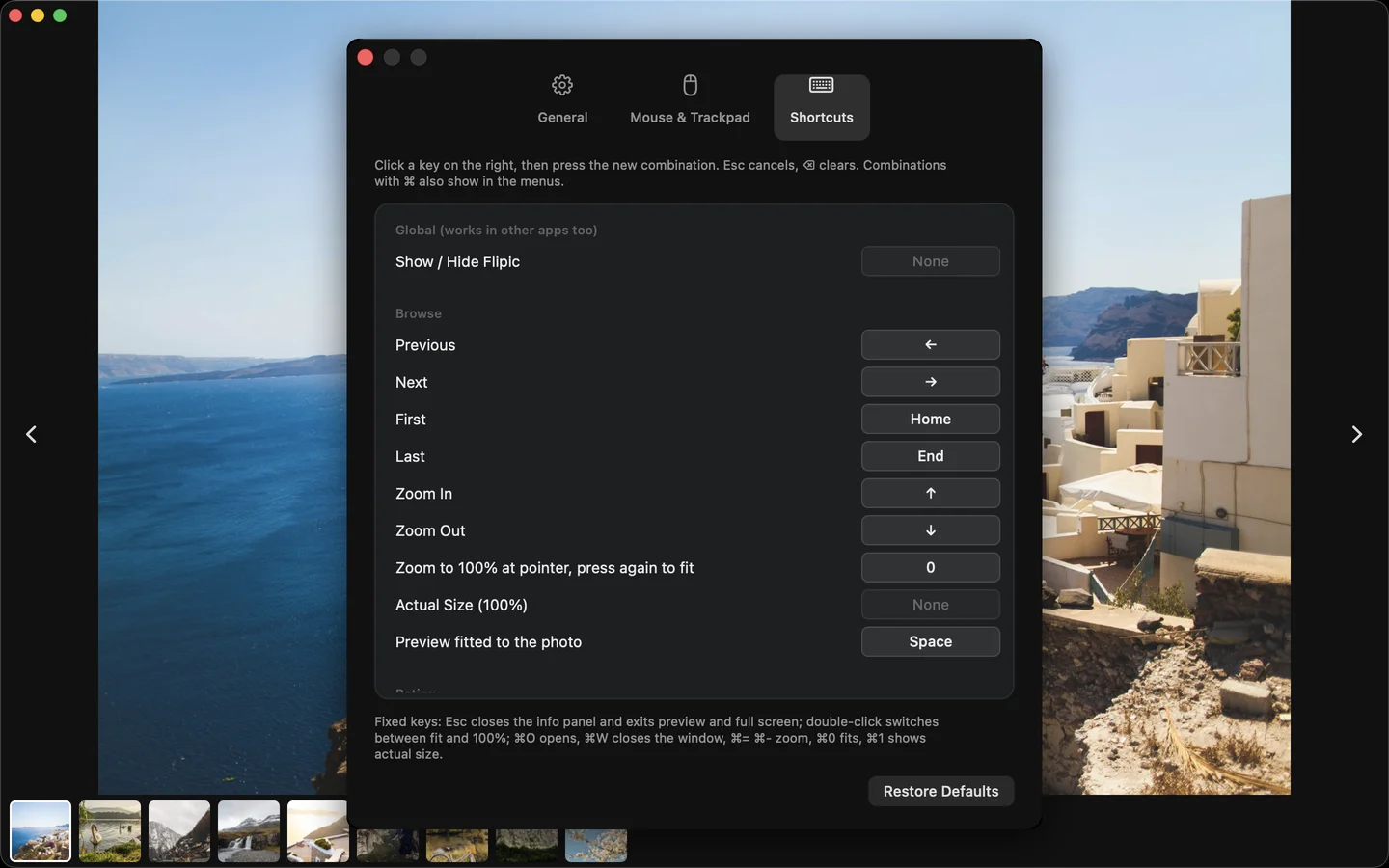
Press 1 to 5 to rate. Ratings are standard XMP that Lightroom, Bridge and Capture One read: metadata only for JPEG and HEIC, a same-name .xmp sidecar for proprietary RAW.
Every setting lives in one window (⌘,) and every shortcut can be changed. Record a global shortcut to bring Flipic forward from Photoshop and hide it again.
Also in the box
- Hand off to your editor⌘E opens the photo in Photoshop, Lightroom or Capture One; the RAW if one sits next to it.
- Slideshow1 to 10 seconds per photo with an adjustable crossfade; click to pause, click to resume.
- Batch convert HEIC to JPGConvert a whole folder to JPEG, PNG or HEIC into a subfolder; originals stay untouched.
- Lossless rotateJPEG and HEIC rotation only changes the orientation tag.
- Batch rename, export copiesRename by sequence; export with a format and quality preview of the file size.
- 14 interface languagesFollows your system language.
Compared with Preview
| Preview | Flipic | |
|---|---|---|
| Next image after opening one | Go back and select all in Finder | Just press ← → |
| Zoom to 100% at the pointer | No single key | Press 0 |
| Star ratings Lightroom can read | No | Press 1–5 |
| Find bursts, closed eyes, blur | No | Cleanup Mode |
| Batch convert HEIC to JPG | Yes, export step by step | A whole folder at once |
Keyboard shortcuts
| ← → | Previous / next photo |
| Space | Wrap the window to the photo |
| 0 | Zoom to 100% at the pointer |
| I | Photo info |
| 1–5 | Rate one to five stars |
| S | Slideshow |
| ⌘E | Edit in your photo editor |
| ⇧⌘K | Cleanup Mode |
| ⌘⌫ | Move to Trash |
| ⌘, | Settings; change any shortcut |
Guides
- How to see the next image in Mac PreviewOpen them all, Quick Look, or a viewer that just pages
- How to batch convert HEIC to JPG on MacFinder quick action, Preview, sips, or a whole folder at once
- IrfanView for Mac? Free alternatives that feel the sameNo Mac version exists; pick by feel and needs
- How to cull hundreds of event photos on a MacClear the rejects, rate the rest, hand off to your editor
FAQ
Is Flipic free?
Yes. No in-app purchases, no ads, no account. The code is MIT licensed on GitHub.
Is the download safe?
It is signed with a Developer ID and notarized by Apple; macOS checks it on install. Flipic is offline by default and collects no data.
How do I see the next image on a Mac?
Double-click any image in Flipic and press the right arrow key for the next one, the left arrow for the previous one, across the whole folder.
How do I make it my default viewer?
Open Settings (⌘,) and click Make Default Viewer under General; common image formats and camera RAW are set in one go.
Which formats are supported?
JPEG, PNG, HEIC, WebP, animated GIF, TIFF, AVIF, JPEG XL (macOS 14 or later) and camera RAW from Sony, Canon, Nikon, Fujifilm and others.
Does it run on Intel Macs?
Yes. Flipic is universal for Apple silicon and Intel and needs macOS 13 or later.
Download Flipic
- Free and open source
- 1.8 MB download
- macOS 13 or later
- Apple silicon and Intel
- Notarized by Apple
- Offline by default
Flipic is a Mac app and can't be installed on a phone. Copy the address and open it in a browser on your Mac.